Error log monitoring
The AIX OS Agent uses the 'errpt' command its log source.
It requires AIX / Linux OS agent 8.10-0+.
You can find collected logs under each virtual machine or consolidated all under Total.
In case of SAN (FC adapter) based errors, some additional information will be included which are not in 'errpt' output
Use /opt/lpar2rrd-agent/aixerrpt.conf to exclude them on the OS agent side
Per a machine
It requires AIX / Linux OS agent 8.10-0+.
You can find collected logs under each virtual machine or consolidated all under Total.
In case of SAN (FC adapter) based errors, some additional information will be included which are not in 'errpt' output
- Local WWPN
- Remote WWNN
- Remote WWPN
Event exclude
You can exclude some specific mesages to be sent to XorMon serverUse /opt/lpar2rrd-agent/aixerrpt.conf to exclude them on the OS agent side
Examples
Total per all machines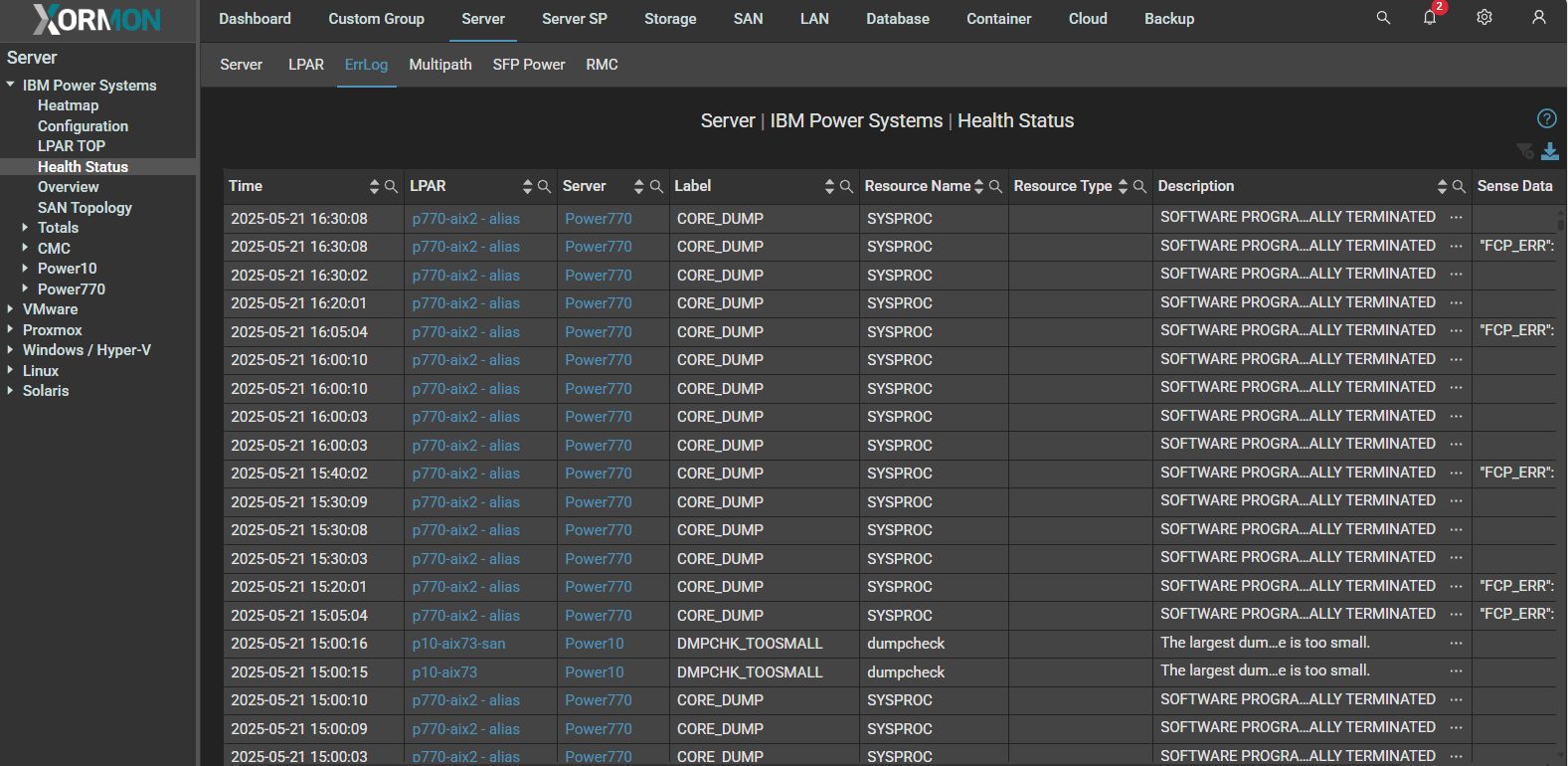 |
Per a machine
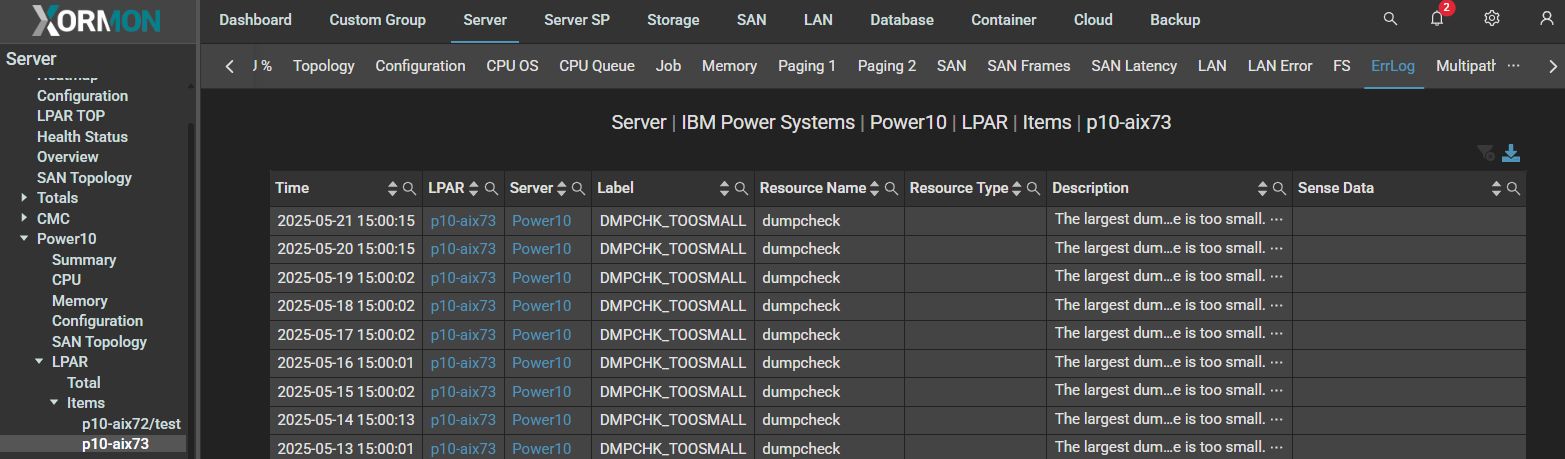 |
XorMon displays the system log of attached HMC (IBM Power Systems Hardware Management Console) devices.
In fact, this HMC command is used:
In fact, this HMC command is used:
lssvcevents -t hardware
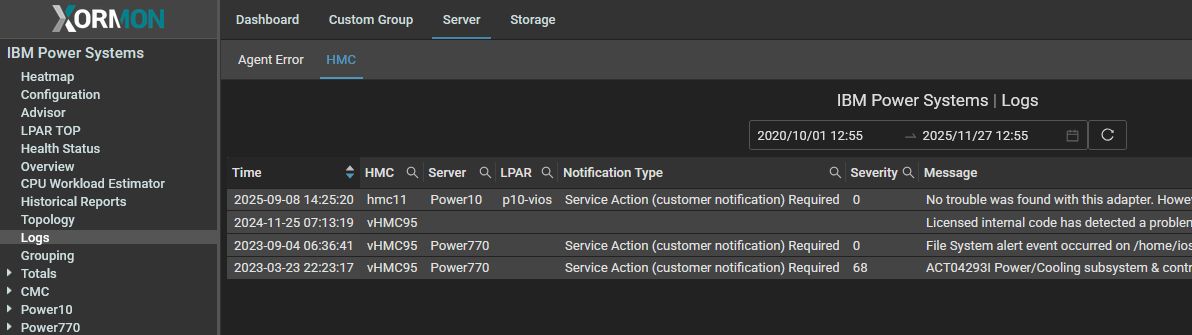
|
The Linux OS Agent uses the 'dmesg' command as its log source.
Access to 'dmesg' is restricted by default for regular users and has to be enabled.
Enable access to 'dmesg' (as root)
Logs are available for Linux systems running on the following platforms: IBM Power Systems, Linux, VMware, Nutanix, Proxmox
They can be found in the global menu (Agent Error Log) and on the "Log" tab for each machine.
Only the following severity levels are collected:
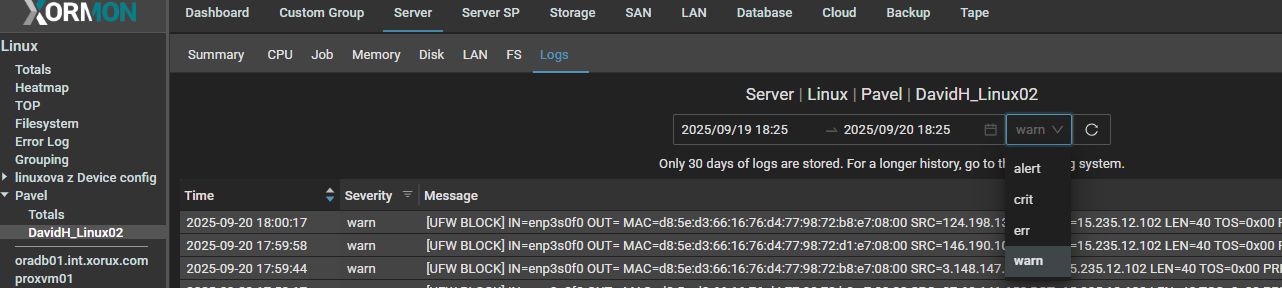
Messages can be filtered by severity:
Access to 'dmesg' is restricted by default for regular users and has to be enabled.
Enable access to 'dmesg' (as root)
su -
echo -e "\n# Access to dmesg\nkernel.dmesg_restrict = 0" > /etc/sysctl.d/99-dmesg.conf
sysctl -p /etc/sysctl.d/99-dmesg.conf
Test (as xormon)
su - xormon
dmesg
Logs are available for Linux systems running on the following platforms: IBM Power Systems, Linux, VMware, Nutanix, Proxmox
They can be found in the global menu (Agent Error Log) and on the "Log" tab for each machine.
Only the following severity levels are collected:
- emerg
- alert
- crit
- err
- warn
Messages can be filtered by severity:
|
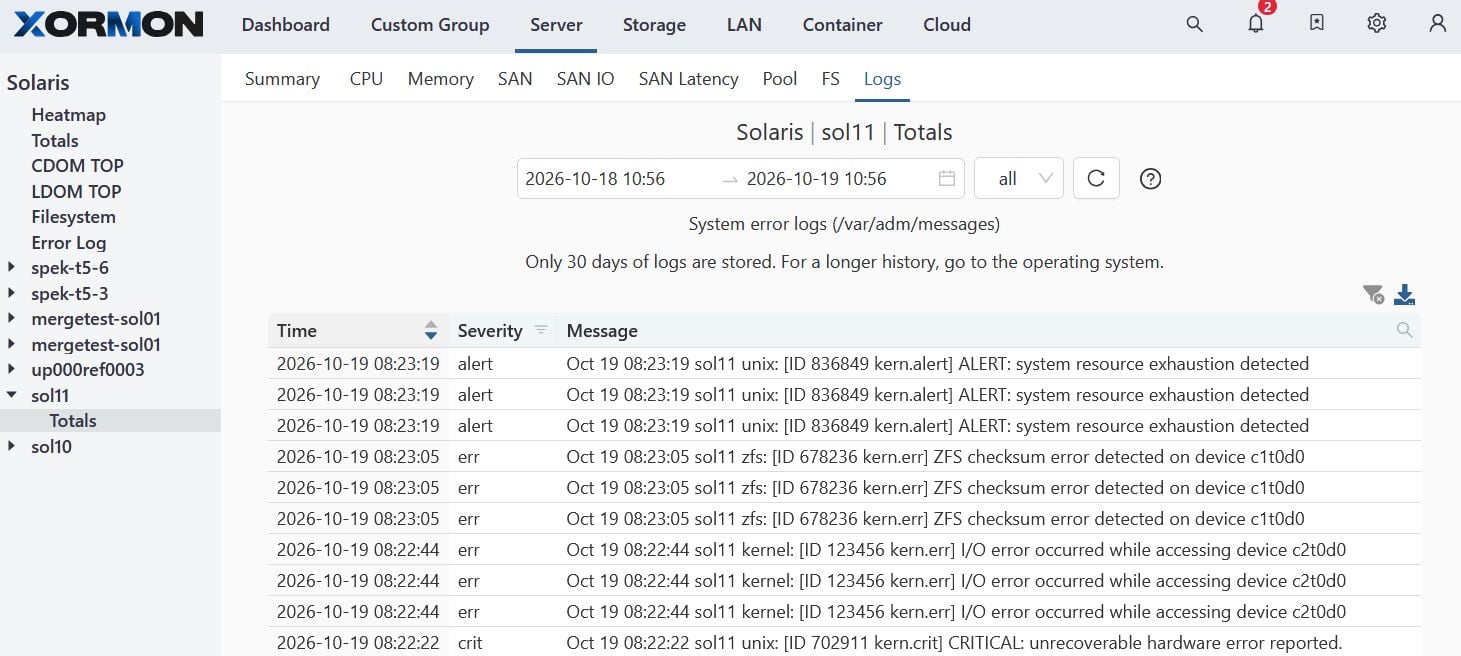
XorMon presents Oracle Solaris error log (/var/adm/messages) for these severity levels:
- Emergency
- Critical
- Error
- Alert
 |
This feature is not currently supported; it will be available in future versions.