S2D monitoring
S2D monitoring in XorMon covers Microsoft Storage Spaces Direct (S2D), an agent based solution: as soon as the Windows agent is installed, performance and configuration data is collected automatically. XorMon, open source under GPL v3, graphs IOPS, data throughput in MB/sec and latency per volume and per physical drive, plus volume capacity.
How does XorMon connect to Microsoft S2D on Windows Server?
Microsoft Storage Spaces Direct (S2D) is the agent based solution: as soon as you install the Windows agent, XorMon collects S2D performance and configuration data automatically.
The agent sends its data over TCP port 8162, on connections initiated from the agent server to the XorMon server. S2D monitoring requires Windows Server 2019 or later, with S2D performance history enabled, which is the default. The same single Windows OS agent also monitors stand-alone Windows servers and Hyper-V.
Sources: installation steps below, updated 2026-11-11, Hyper-V installation, updated 2026-05-14, and MS Windows, Hyper-V monitoring, updated 2026-11-02.
Which S2D storage metrics does XorMon monitor?
XorMon graphs IOPS, data throughput in MB/sec and latency per S2D volume and per physical drive, plus volume capacity.
The Microsoft tab of the feature matrix lists the same metrics in one column, Storage Spaces Direct (S2D). The feature matrix with all metrics, Windows server tab, splits IO, data and latency into read and write, and adds free, used and total capacity for S2D volumes and for the S2D cluster. Microsoft S2D appears among the supported storage systems on the storage monitoring page.
Sources: monitored metrics below, updated 2026-11-11, Feature matrix, Microsoft tab, Feature matrix with all metrics, Windows server tab, and Storage monitoring, updated 2026-11-07.
Is XorMon free for S2D monitoring?
Yes: XorMon is released under the GNU GPL v3 and free to download, and its free edition has no registration and no time limit.
Both editions ship from the same codebase. The Enterprise edition removes device limits, unlocks advanced features and adds the support contract.
Sources: Support and editions.
Key points
- Monitors Microsoft Storage Spaces Direct (S2D) through the Windows agent, which collects performance and configuration data automatically.
- Requires Windows Server 2019 or later, with S2D performance history enabled.
- Volume: IOPS, data throughput in MB/sec, latency and capacity.
- Physical drive: IOPS, data throughput in MB/sec and latency.
- Free edition with no registration and no time limit, open source license (GPL v3).
Installation and configuration for Microsoft S2D
Microsoft Storage Spaces Direct (S2D) is the agent based solution.As soon as you install the Windows agent, performance and configuration data will be collected automatically

S2D prerequisites
- Microsoft Winndows Server 2019+
- LPAR2RRD Windows agent 8.0.0+
- Performance history enabled (enabled by default) docs.microsoft.com/en-us/windows-server/storage/storage-spaces/performance-history
Monitored metrics
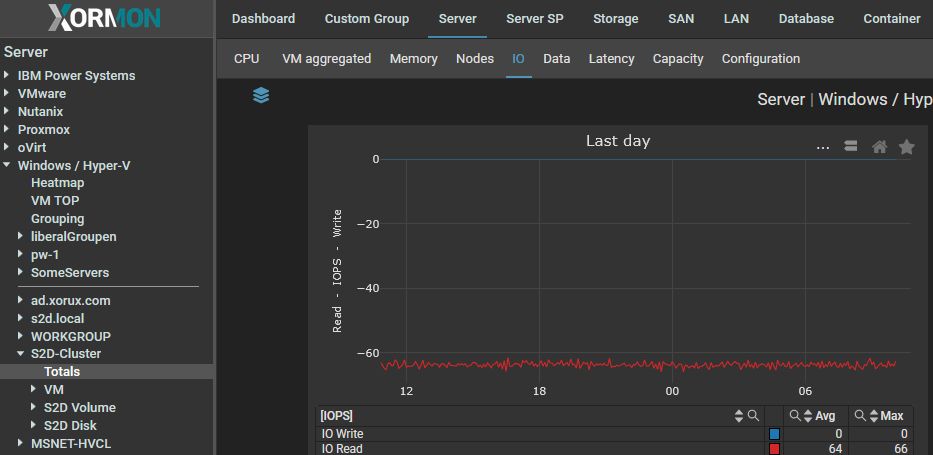
- Volume IOPS
- Volume Data MB/sec
- Volume Latency
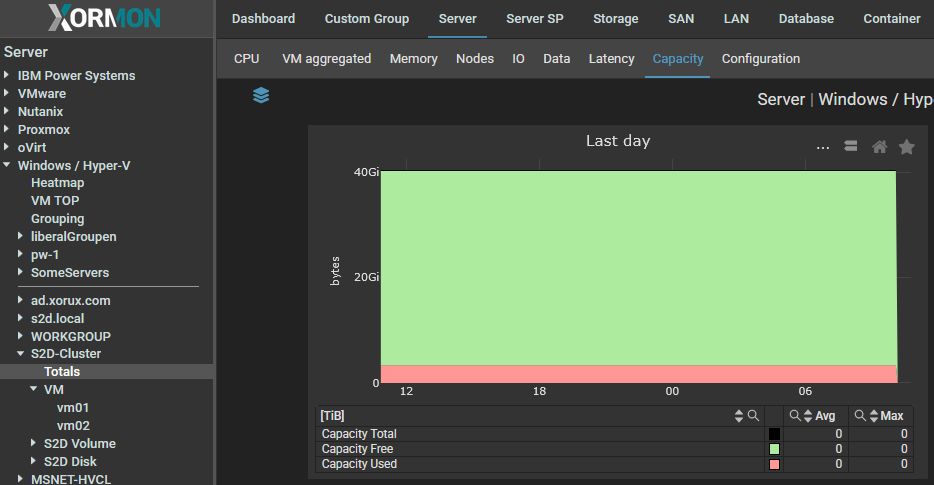
- Volume Capacity
- PhysicalDisk(Drive) IOPS
- PhysicalDisk(Drive) Data MB/sec
- PhysicalDisk(Drive) Latency
Examples
 |
 |
For other vendors, see multi-vendor storage monitoring in XorMon.
Last updated: