OracleVM
XorMon gets data from Oracle VM Manager.
Supported is OVM 3.3 and 3.4.
- Allow access from the XorMon host to all Oracle VM Manager hosts ports 7002 (HTTPS)
- Users access
You have to use the admin user, because Oracle VM does not support role based access
You can create a different user if you wish (eg. 'xormon'), but it must have admin rights anyway.
- Attach Oracle VM Manager hosts
XorMon UI ➡ Settings icon ➡ Device ➡ Server Virtualization ➡ Oracle VM ➡ New
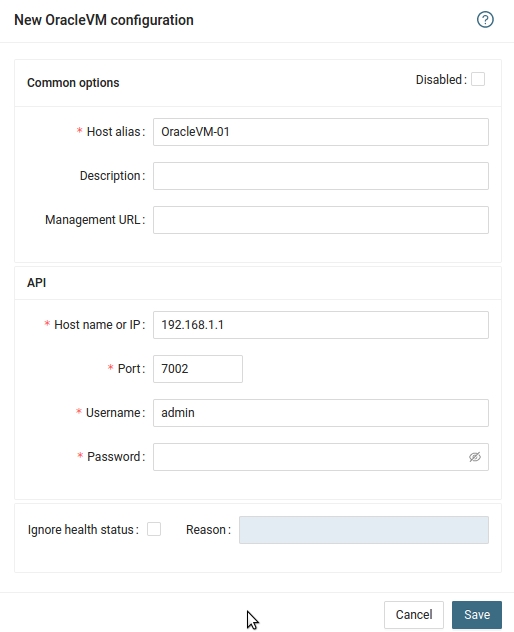
- Run "Test" for configured Oracle VM host, it must show "OK"
-
Wait about 1 hour, then refresh the web browser cache by Ctrl-F5
Last updated: